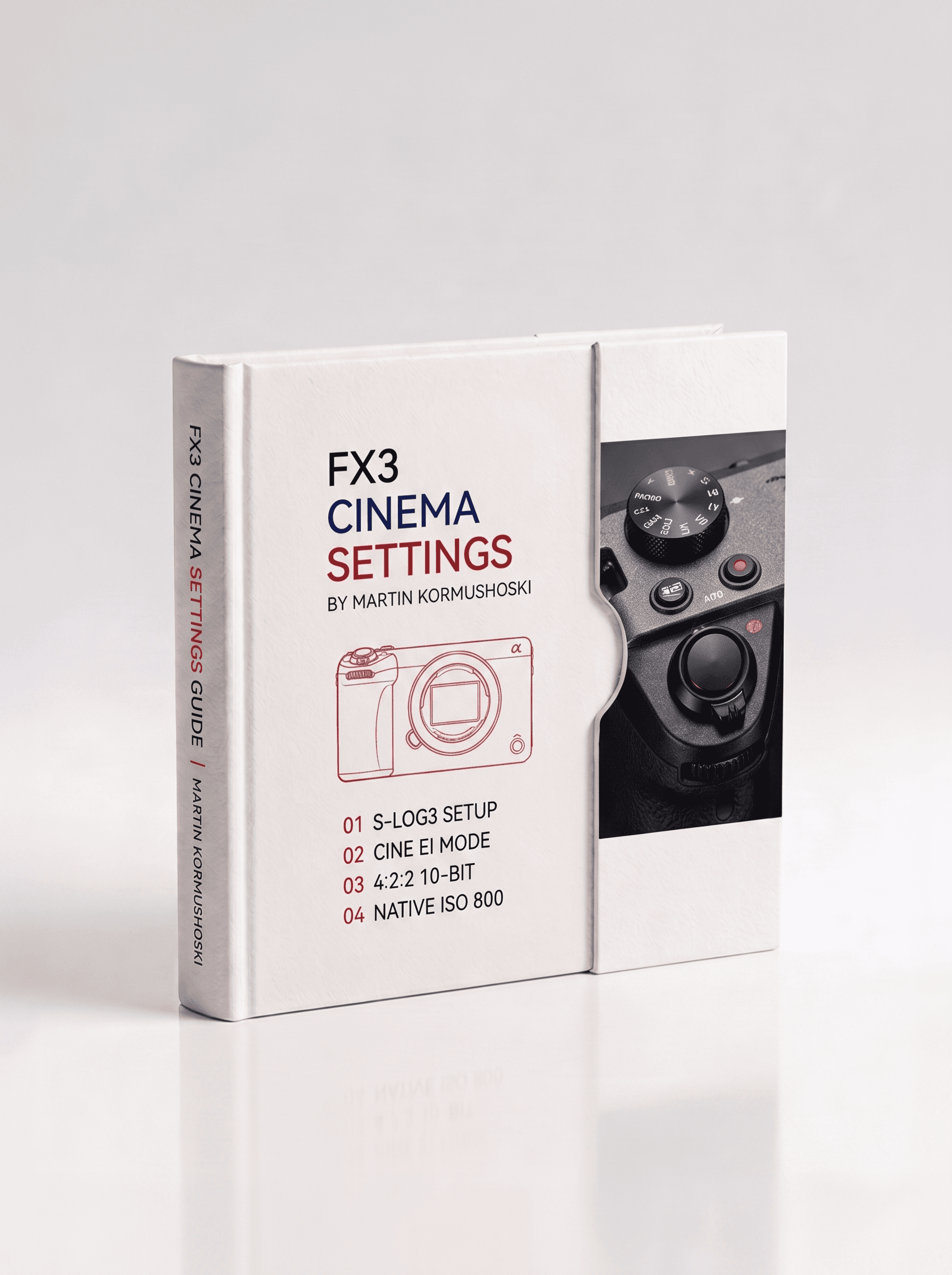
FX3 Cinema Settings Guide
$10USDDigital download · PDF guide · Nothing physical is shipped
A complete pro workflow for the Sony FX3. S-Log3, Cine EI, 4:2:2 10-bit, native ISO 800, 24fps. Nine settings that turn a small camera into a cinema rig.
Overview
The Sony FX3 is a full-frame cinema camera built around the same sensor as the flagship FX9. Configured correctly, it produces footage that rivals cameras costing several times its price. These nine settings form a complete, cohesive professional workflow, each supporting the others to give you maximum dynamic range, clean sensor performance, proper cinematic motion, and the flexibility to grade your footage exactly as intended.
They don't exist in isolation: Cine EI gives you the dynamic range, 800 ISO keeps the sensor clean, a 180° shutter gives the right motion at 24fps, 4:2:2 10-bit preserves the colour S-Log3 captured, and the Display LUT keeps you sane on set while protecting the recording. This guide explains not just what each setting is, but why it matters, so you can shoot with confidence and adapt intelligently when conditions demand it.
What's Inside
- 24fps, the cinematic standard, with natural motion blur instead of the hyper-real 60fps 'soap opera' look
- 180° shutter angle locks motion blur to 1/48s at 24fps and keeps cadence consistent even if you change frame rate
- Cine EI (S-Log3) captures the sensor's full 15+ stops of dynamic range; your 'RAW' for video
- ISO 800, the native base ISO for the lowest noise; control exposure with aperture and ND, not by pushing ISO
- 5500K white balance, a fixed, neutral start that stays matchable shot-to-shot (never Auto)
- Custom LUT, Display LUT ON, a natural image on the monitor while the flat log file records untouched
- 4:2:2 10-bit, full colour sampling and 1,024 tonal levels per channel for clean grading and no banding
- XAVC S 4K, a practical pro codec that edits natively in Resolve, Premiere and FCP with no transcoding
- Continuous AF, Sony's real-time eye, face and subject tracking for run-and-gun and solo shooting
Format & Access
- A digital one-page PDF reference, built clean and written tight. This is a guide, not a physical product
- Instant download link emailed the moment you pay
- Saved to your dashboard for re-download anytime
- Designed to print and pin to the wall
Delivery
Your download link is emailed instantly and also saved to your MD MEDIA dashboard. Sign in with the email you used at checkout to grab it again whenever you need it.
- Aug 25, 2026
FX3 workflow locked in
These nine settings transformed my FX3 setup. S-Log3 + 800 ISO + Cine EI is the exact workflow the guide explains. Dynamic range is incredible.
- Aug 8, 2026
Professional cinema camera guide
Explains why each setting matters and how they interlock. The Display LUT section kept me sane on set while protecting the S-Log recording.
- Jul 19, 2026
Solid FX3 reference
Good fundamentals. The 24fps cinema motion explanation and 4:2:2 10-bit reasoning is exactly what I needed to know.
Questions, answered
What am I actually buying?
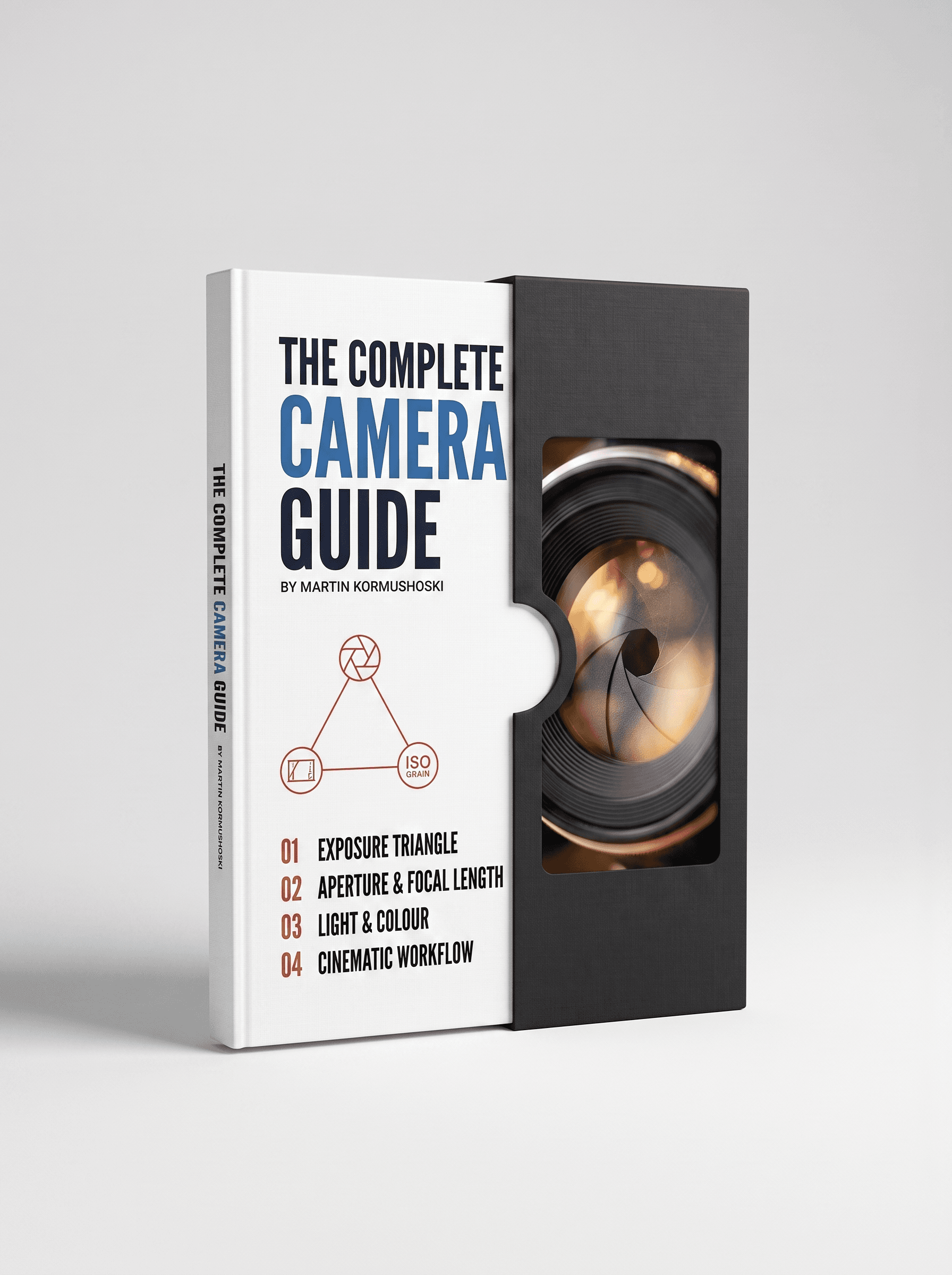
A PDF guide on the subject on this page: a one-page on-set reference for the library guides, and a longer multi-page guide for the Complete Camera Guide. Nothing physical is sent.
Is the Full Library cheaper than buying guides one at a time?
Yes. The Full Library gets every library guide in one payment for less than buying them separately, and the discount is applied automatically at checkout when every library guide is in the cart. The Complete Camera Guide is a standalone product and isn't part of that bundle.
Can I print them?
Yes. They're laid out to print and pin up, and most people keep them on their phone for set as well.
How do I get the files after I pay?
Delivery is instant. As soon as the payment goes through you get a confirmation email, and the download is saved to your dashboard: sign in with the same email you used at checkout, open your purchases and download from there. You can come back and download it again any time.
Do you ship anything?
No. Everything here is a digital download: nothing physical is posted and no delivery address is needed.
Can I get a refund?
Because the files are delivered instantly and can't be returned once downloaded, there are no refunds for change of mind. If a file is faulty, won't open, or is materially different from what's described, email sales@mdmmarketing.com.au and it will be replaced or refunded.
Can I share the files with a friend or my team?
Your purchase is a personal, non-transferable licence for your own projects, including paid client work. The files, download links and account access can't be resold, shared or redistributed.
I paid but nothing arrived. What now?
First check the spam or promotions folder for the confirmation email, then sign in to the dashboard with the exact email you entered at checkout: the download is there even if the email is delayed. Still stuck? Email sales@mdmmarketing.com.au with the email you paid with and it will be sorted.
Featured work
Shot and graded in house. The same grade you get in the pack.