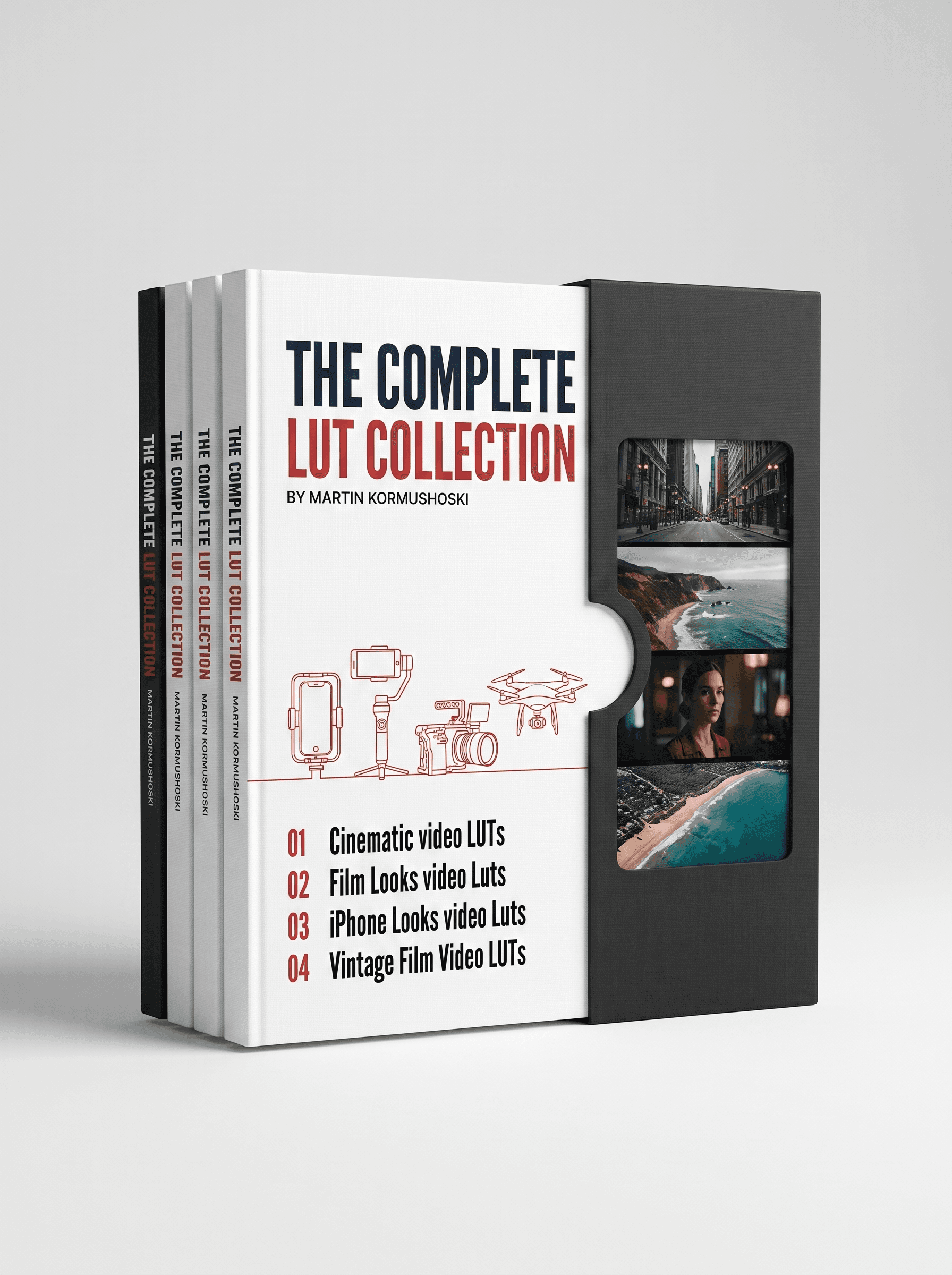
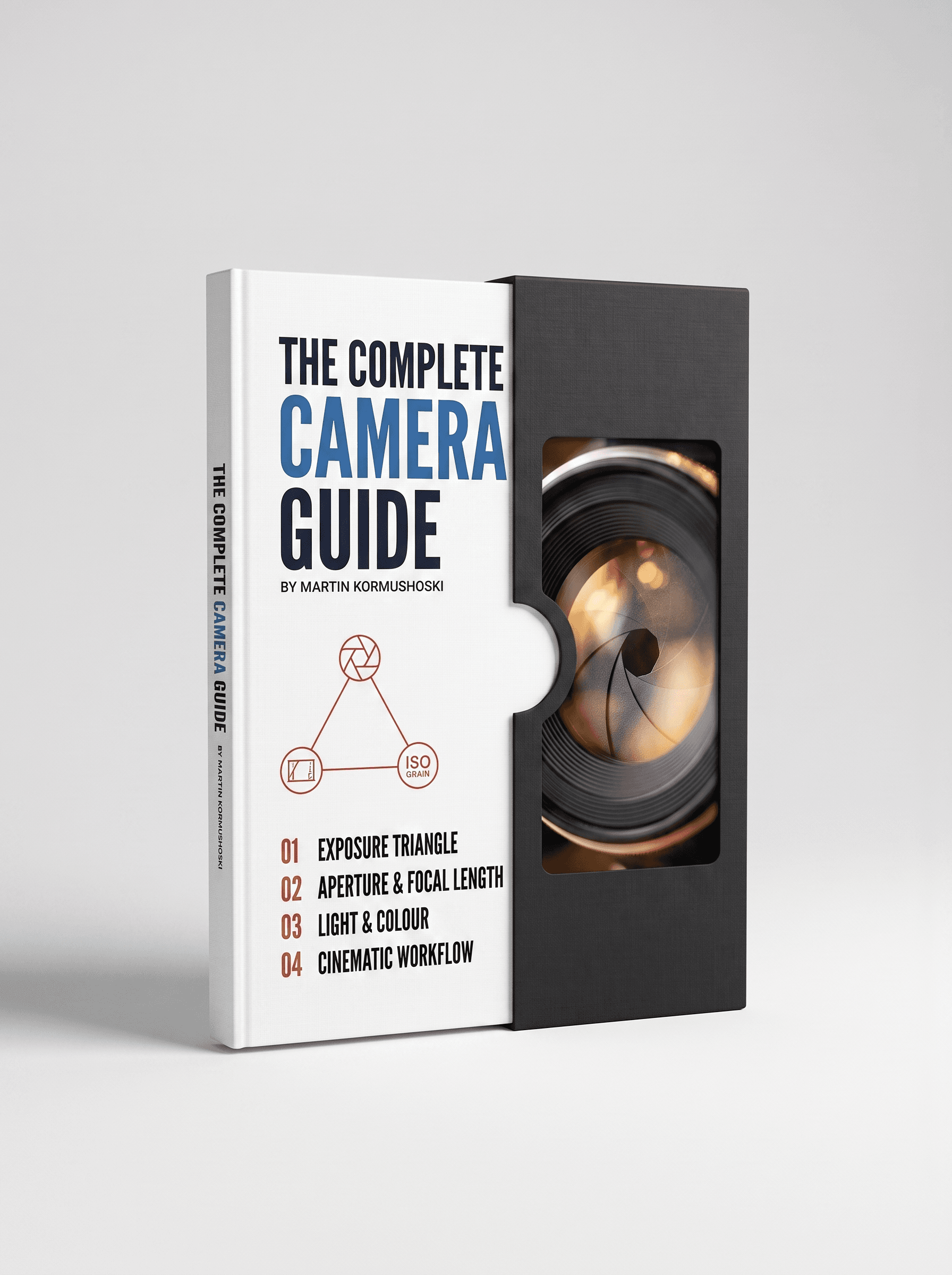
MK Apple LUTs
Twenty .cube LUTs for iPhone footage: ten Apple Log conversions with film-print looks and skin-safe colour, plus ten film-stock emulations (Kodak Gold, Ultramax, Agfa, Ektachrome, Vision3) with expired-film variants. One click from flat log to a finished look.
- 20iPhone LUTs
- 6Film stocks emulated, most with an expired variant
- 4+Editing apps: Resolve, Premiere, Final Cut, CapCut, and any editor that loads .cube LUTs
- 1Click from Apple Log to a finished look
Before and after
Straight out of camera on the left, the LUT on the right. Drag across any of them to see the look land.
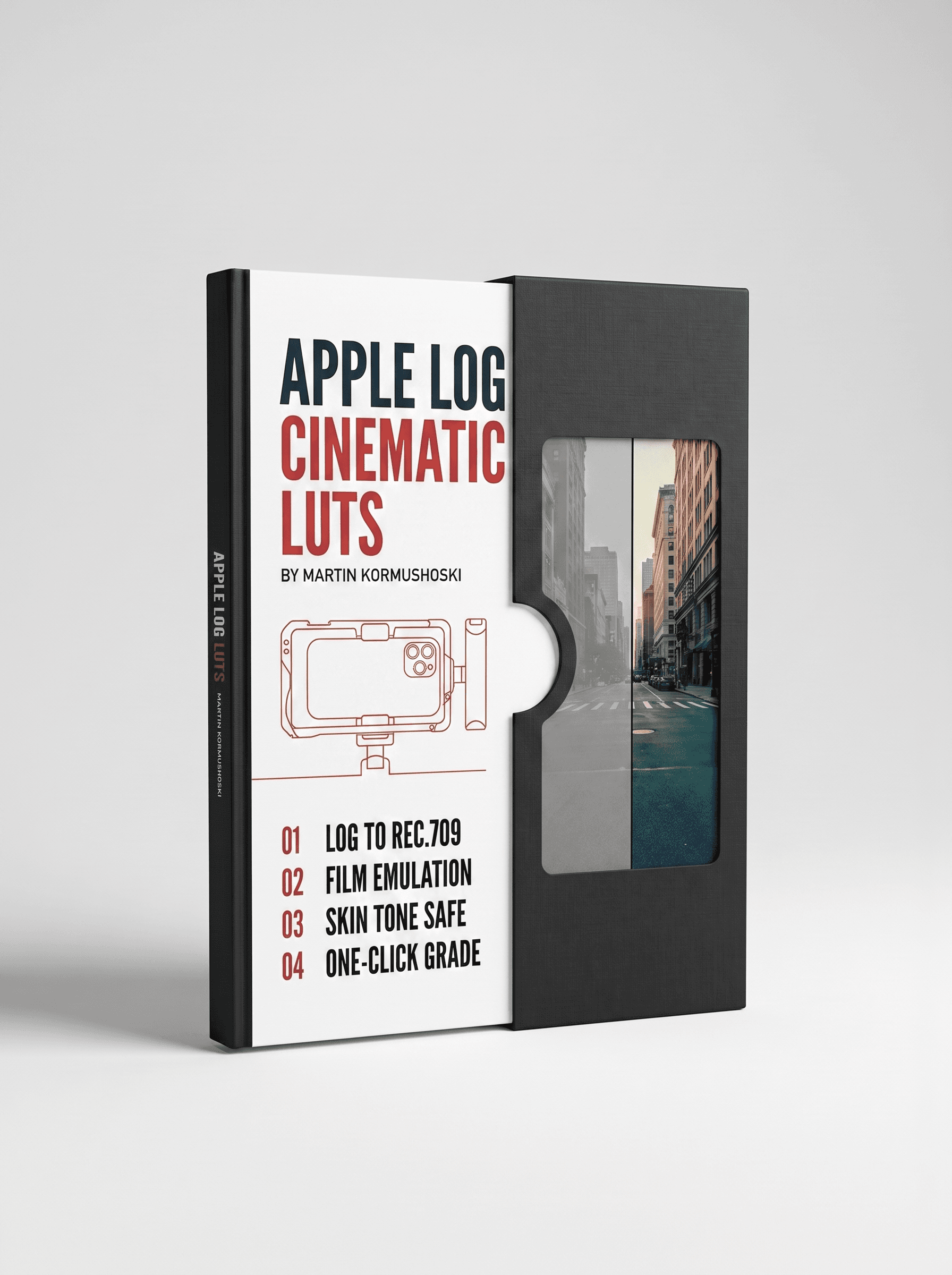
Shooting Apple Log on an iPhone 15 Pro or newer gives you far more to grade with, but the footage looks flat and grey until it is converted. The Apple Log set does that conversion properly: clean Rec.709 with Kodak and Fuji print looks and skin tones that stay natural. The Film set is for anyone shooting standard iPhone video who wants a real film-stock feel, with an expired-film variation of each look for a softer, faded finish.
Every LUT is a standard .cube file, so it works in DaVinci Resolve (including the free version), Premiere Pro, Final Cut Pro and CapCut, and the included guide shows exactly where to load them. The ten Apple Log LUTs are the same ones inside the MK Complete LUT Collection, so if you own that, this pack only adds the ten film-stock looks.
What's inside
- Apple Log · 10 LUTsCinemavision, Cherry Love, Moody Winter, Summer Vibes, and Kodak and Fuji print looks at D55, D60 and D65
- iPhone Film · 10 LUTsKodak Gold 200, Ultramax 400, Agfa Color 400, Ektachrome 100D, LomoChrome Blue and Vision3, most with an expired-film variant
- User guideHow to load the LUTs in Resolve, Premiere, Final Cut and CapCut, and which set to use for Apple Log vs standard video
Format & access
- One .zip downloadStandard .cube files that load into DaVinci Resolve (free or Studio), Premiere Pro, Final Cut Pro and CapCut
- Saved to your dashboardSign in with the email you used at checkout and download it again any time
- Aug 25, 2026
iPhone 15 Pro colour unleashed
Apple Log on an iPhone 15 Pro looked flat until these LUTs. Kodak and Fuji looks on log, plus the film-stock emulations on standard video: 20 LUTs for one phone is wild.
- Aug 11, 2026
iPhone film looks
The iPhone Film set (Kodak Gold 200, Ultramax 400, Vision3) is film-stock accurate. The expired-film variants add character. Using these daily for social cuts.
- Jul 21, 2026
Good iPhone LUT pack
Solid Apple Log conversions. The film-stock emulation is convincing on standard iPhone video.
Questions, answered
Which iPhones do I need?
The Apple Log set needs an iPhone that records Apple Log: iPhone 15 Pro and Pro Max and newer, with Apple Log turned on in the camera settings or a third-party app like Blackmagic Camera. The iPhone Film set works on any iPhone's standard video.
What's the difference between the two sets?
Apple Log (10 LUTs) converts flat log footage to a finished Rec.709 look with Kodak and Fuji print looks and skin-safe colour. iPhone Film (10 LUTs) is for standard, already-colourful iPhone video and adds real film-stock character: Kodak Gold 200, Ultramax 400, Agfa Color 400, Ektachrome 100D, LomoChrome Blue and Vision3, most with an expired-film variant.
Can I apply these in the iPhone's own editor?
The Photos app doesn't take LUTs. Use CapCut, DaVinci Resolve for iPad or desktop, Premiere or Final Cut: all of them load .cube files, and the guide shows where.
I own the MK Complete LUT Collection. Do I need this?
The Apple Log set is the same ten LUTs as the collection's iPhone Looks pack, so if you own the collection this pack only adds the ten iPhone Film looks.
Which editing apps do these LUTs work in?
Every LUT is a standard .cube file, so it loads into DaVinci Resolve (the free version too), Premiere Pro, Final Cut Pro and CapCut, and any other editor that accepts .cube LUTs. A short guide in the download shows exactly where to load them in each app.
How do I install them?
Unzip the download. In Resolve, drop the .cube files into your LUT folder (Project Settings > Color Management > Open LUT Folder) and click Update Lists. In Premiere, Final Cut and CapCut, apply a Lumetri / Custom LUT / LUT effect and browse to the file. The included PDF walks through each app step by step.
Do I need to shoot in log for these to work?
The conversion LUTs are built for log footage and expect it: on standard, already-colourful video they will look too contrasty. Where a pack includes looks for standard footage, the guide says which set to use for which.
How do I get the files after I pay?
Delivery is instant. As soon as the payment goes through you get a confirmation email, and the download is saved to your dashboard: sign in with the same email you used at checkout, open your purchases and download from there. You can come back and download it again any time.
Do you ship anything?
No. Everything here is a digital download: nothing physical is posted and no delivery address is needed.
Can I get a refund?
Because the files are delivered instantly and can't be returned once downloaded, there are no refunds for change of mind. If a file is faulty, won't open, or is materially different from what's described, email sales@mdmmarketing.com.au and it will be replaced or refunded.
Can I share the files with a friend or my team?
Your purchase is a personal, non-transferable licence for your own projects, including paid client work. The files, download links and account access can't be resold, shared or redistributed.
I paid but nothing arrived. What now?
First check the spam or promotions folder for the confirmation email, then sign in to the dashboard with the exact email you entered at checkout: the download is there even if the email is delayed. Still stuck? Email sales@mdmmarketing.com.au with the email you paid with and it will be sorted.
Featured work
Shot and graded in house. The same grade you get in the pack.