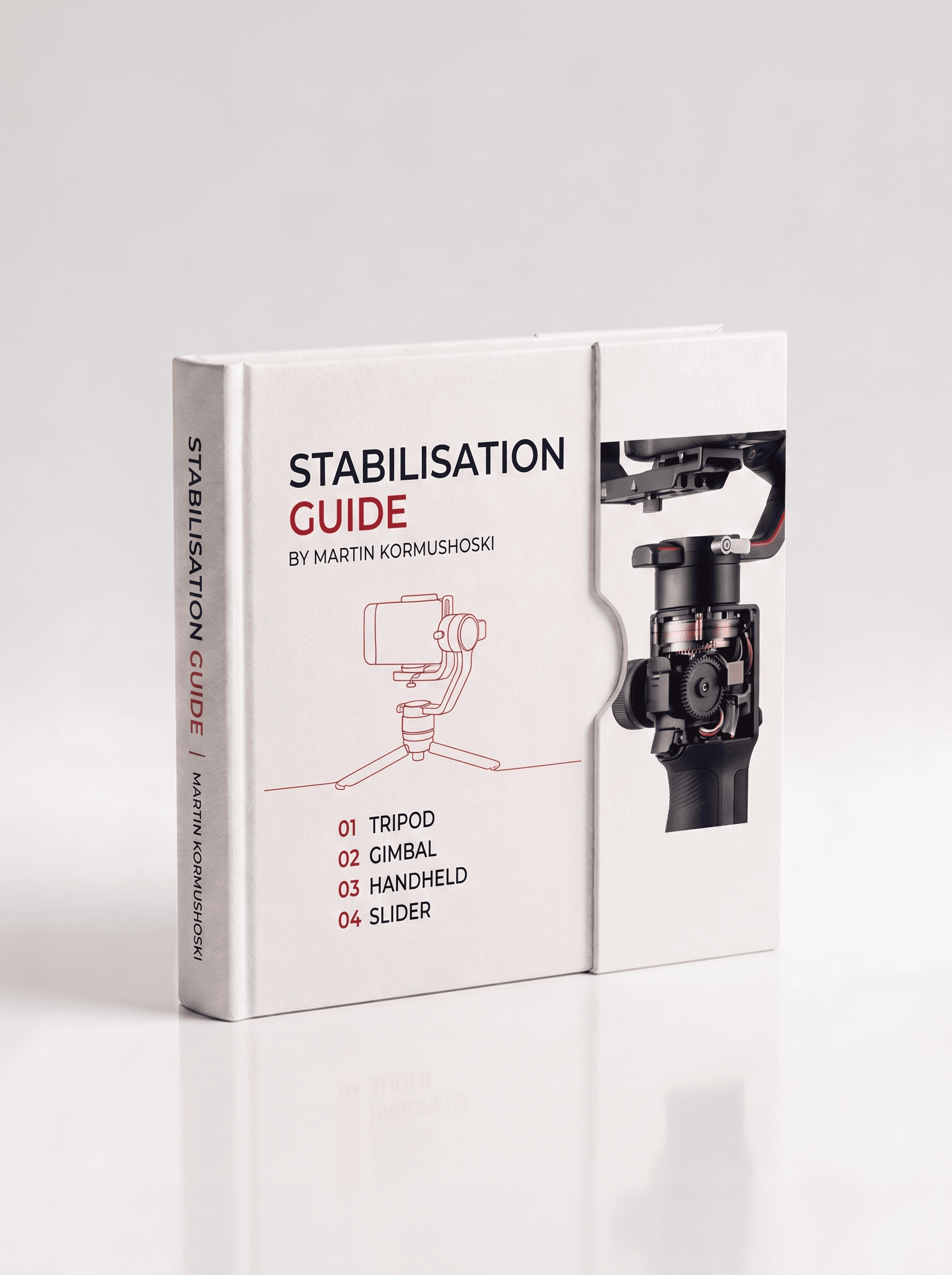
Stabilisation Guide
$10USDDigital download · PDF guide · Nothing physical is shipped
Tripod, gimbal, handheld, slider. The right tool for the right shot, and how to keep motion intentional instead of accidental.
Overview
When you film handheld, every tiny movement gets recorded, footsteps, breathing, micro-tremors. Stabilisation smooths those out so your footage looks clean and controlled rather than shaky. The key thing to understand is that there are two completely different types: one that works physically in the camera hardware (OIS), and one that works digitally in software (EIS), and most modern cameras use both at once.
OIS (optical) physically moves the lens or sensor to cancel small vibrations with no crop and the most natural result. EIS (electronic) shifts, rotates and scales the image in software to handle bigger movements like walking, far more powerful, but it always crops your frame. The named modes in your menu (Gyroscope, Active, Standard, Off) are simply recipes for how aggressively to blend the two.
What's Inside
- OIS vs EIS: optical fixes small vibrations with no crop; electronic handles big movement but always crops the frame
- Gyroscope mode, maximum smoothness, ~15–20% crop: for action, sport and fast handheld walking
- Active mode, strong stabilisation, ~10–15% crop: the sweet spot for general handheld, interviews and lifestyle
- Standard mode, light smoothing, ~5% crop: for static shots, slow pans and tripod-free interviews
- Off, no correction, no crop: the right choice on a gimbal, tripod or slider
- Crop factor explained: EIS zooms in to leave room to correct, so heavier stabilisation means more lost frame
- Set your mode BEFORE framing, and never double-stabilise, turn camera IS off when using a gimbal
Format & Access
- A digital one-page PDF reference, built clean and written tight. This is a guide, not a physical product
- Instant download link emailed the moment you pay
- Saved to your dashboard for re-download anytime
- Designed to print and pin to the wall
Delivery
Your download link is emailed instantly and also saved to your MD MEDIA dashboard. Sign in with the email you used at checkout to grab it again whenever you need it.
- Aug 21, 2026
OIS vs EIS finally clear
Never understood why Gyroscope mode looked so good but cropped the frame so much. The crop explanation and the 'never double-stabilise' rule saved me from a mistake.
- Aug 2, 2026
Stabilisation modes explained
The guide nails the difference between optical and electronic. Active mode is my new handheld go-to.
- Jul 12, 2026
Helpful stabilisation reference
Good breakdown of stabilisation options. The crop-factor explanation is clear.
Questions, answered
What am I actually buying?
A PDF guide on the subject on this page: a one-page on-set reference for the library guides, and a longer multi-page guide for the Complete Camera Guide. Nothing physical is sent.
Is the Full Library cheaper than buying guides one at a time?
Yes. The Full Library gets every library guide in one payment for less than buying them separately, and the discount is applied automatically at checkout when every library guide is in the cart. The Complete Camera Guide is a standalone product and isn't part of that bundle.
Can I print them?
Yes. They're laid out to print and pin up, and most people keep them on their phone for set as well.
How do I get the files after I pay?
Delivery is instant. As soon as the payment goes through you get a confirmation email, and the download is saved to your dashboard: sign in with the same email you used at checkout, open your purchases and download from there. You can come back and download it again any time.
Do you ship anything?
No. Everything here is a digital download: nothing physical is posted and no delivery address is needed.
Can I get a refund?
Because the files are delivered instantly and can't be returned once downloaded, there are no refunds for change of mind. If a file is faulty, won't open, or is materially different from what's described, email sales@mdmmarketing.com.au and it will be replaced or refunded.
Can I share the files with a friend or my team?
Your purchase is a personal, non-transferable licence for your own projects, including paid client work. The files, download links and account access can't be resold, shared or redistributed.
I paid but nothing arrived. What now?
First check the spam or promotions folder for the confirmation email, then sign in to the dashboard with the exact email you entered at checkout: the download is there even if the email is delayed. Still stuck? Email sales@mdmmarketing.com.au with the email you paid with and it will be sorted.
Featured work
Shot and graded in house. The same grade you get in the pack.