Frames Per Second Guide
$10USDDigital download · PDF guide · Nothing physical is shipped
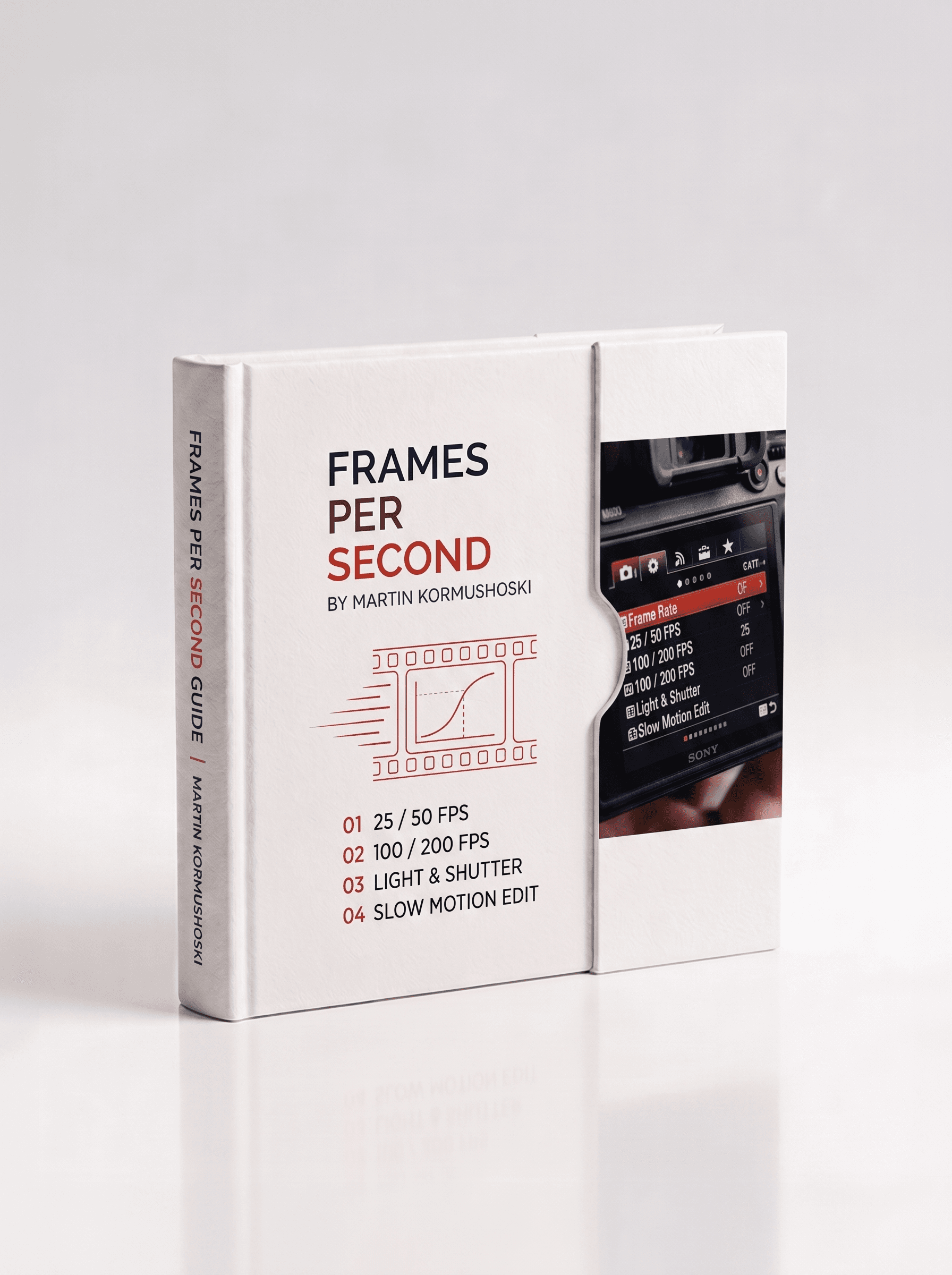
A PAL workflow guide to frame rates. 25, 50, 100, 200fps. When to reach for each, what light you need, and how slow motion really works in the edit.
Overview
FPS (frames per second) refers to how many individual images your camera records every second. In a PAL workflow your timeline runs at 25fps, and higher frame rates give you slow-motion capability in the edit, the more frames you capture, the smoother and slower your footage can become.
There's a trade-off baked in. Higher frame rates mean smoother motion and a greater slow-motion range; lower frame rates give you the natural motion blur that reads as cinematic. Higher frame rates also demand faster shutter speeds and far more light, so exposure quickly becomes the limiting factor as you climb.
What's Inside
- 25fps, real-time on a 25fps timeline: natural, film-like motion blur for interviews, narrative and cinematic footage
- 50fps, 2× slow motion: smooth, flexible coverage you can cut slow or back to real-time, ideal for lifestyle, walk-throughs and b-roll
- 100fps, 4× slow motion: reveals movement the eye misses, for sport, action and product shots, needs good light
- 200fps, 8× slow motion: captures fast transient moments like splashes and impacts, needs very bright conditions or fast lenses
- The golden rules: higher FPS = smoother motion and more slow-mo range, lower FPS = more cinematic motion blur
- PAL timeline note: every multiplier here assumes a 25fps sequence, NTSC 30fps timelines differ, so always match your timeline first
Format & Access
- A digital one-page PDF reference, built clean and written tight. This is a guide, not a physical product
- Instant download link emailed the moment you pay
- Saved to your dashboard for re-download anytime
- Designed to print and pin to the wall
Delivery
Your download link is emailed instantly and also saved to your MD MEDIA dashboard. Sign in with the email you used at checkout to grab it again whenever you need it.
- Aug 27, 2026
Slow motion made simple
Finally understand why 50fps looks so different from 25fps. The PAL workflow explanations and the light requirements for each frame rate are spot-on.
- Aug 5, 2026
Essential for run-and-gun
Reference this constantly on location shoots. The 100fps and 200fps guidance is accurate and the motion blur vs frame rate tradeoff section is pure gold.
- Jul 14, 2026
Solid FPS reference
Clear breakdown of PAL frame rates and light demands. The slow motion multiplier chart is exact to what I measure in practice.
Questions, answered
What am I actually buying?
A PDF guide on the subject on this page: a one-page on-set reference for the library guides, and a longer multi-page guide for the Complete Camera Guide. Nothing physical is sent.
Is the Full Library cheaper than buying guides one at a time?
Yes. The Full Library gets every library guide in one payment for less than buying them separately, and the discount is applied automatically at checkout when every library guide is in the cart. The Complete Camera Guide is a standalone product and isn't part of that bundle.
Can I print them?
Yes. They're laid out to print and pin up, and most people keep them on their phone for set as well.
How do I get the files after I pay?
Delivery is instant. As soon as the payment goes through you get a confirmation email, and the download is saved to your dashboard: sign in with the same email you used at checkout, open your purchases and download from there. You can come back and download it again any time.
Do you ship anything?
No. Everything here is a digital download: nothing physical is posted and no delivery address is needed.
Can I get a refund?
Because the files are delivered instantly and can't be returned once downloaded, there are no refunds for change of mind. If a file is faulty, won't open, or is materially different from what's described, email sales@mdmmarketing.com.au and it will be replaced or refunded.
Can I share the files with a friend or my team?
Your purchase is a personal, non-transferable licence for your own projects, including paid client work. The files, download links and account access can't be resold, shared or redistributed.
I paid but nothing arrived. What now?
First check the spam or promotions folder for the confirmation email, then sign in to the dashboard with the exact email you entered at checkout: the download is there even if the email is delayed. Still stuck? Email sales@mdmmarketing.com.au with the email you paid with and it will be sorted.
Featured work
Shot and graded in house. The same grade you get in the pack.