MK Drone LUTs
Twenty .cube LUTs built for DJI D-Log and D-Log M footage: ten clean Rec.709 conversions and ten stronger looks tuned for aerial landscapes, sky and water. Drop one on a clip and the drone shot is graded in one click.
- 20Drone LUTs
- 2Profiles covered: D-Log and D-Log M
- 4+Editing apps: Resolve, Premiere, Final Cut, CapCut, and any editor that loads .cube LUTs
- 1Click from grey log to a graded aerial
Before and after
Straight out of camera on the left, the LUT on the right. Drag across any of them to see the look land.
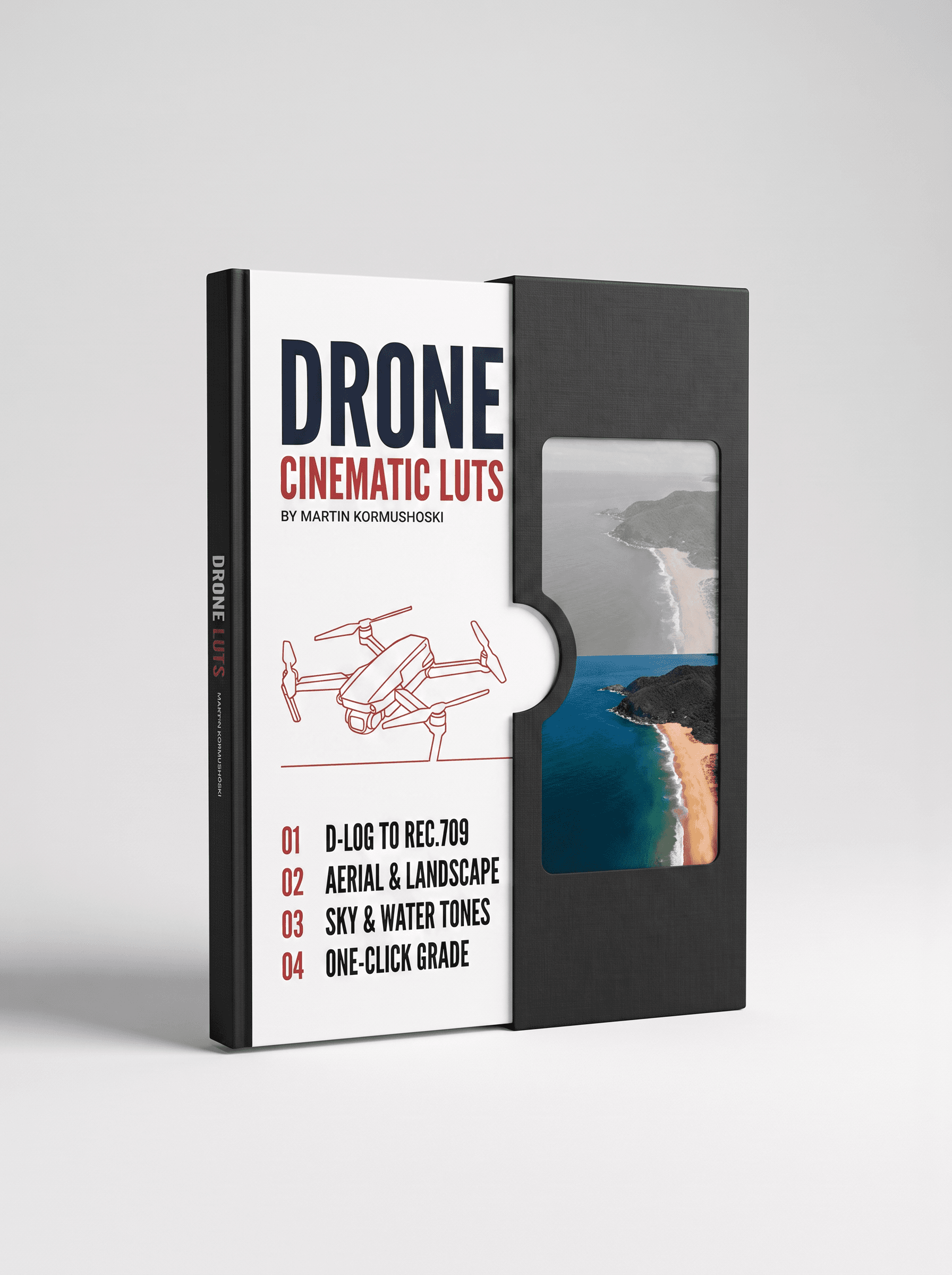
Drone footage shot in D-Log looks flat and grey until it is converted, and a generic LUT tends to crush the sky or turn water an odd teal. These LUTs are built on aerial footage: the Normal D-Log M set is a clean, faithful conversion to Rec.709 that keeps the horizon and water natural, and the Strong D-Log set pushes further into a finished cinematic look for landscapes and coastlines.
Every LUT is a standard .cube file, so it works in DaVinci Resolve (including the free version), Premiere Pro, Final Cut Pro and CapCut, and a short install guide is included.
What's inside
- Normal D-Log M · 10 LUTsClean D-Log M to Rec.709 conversions with natural skies and water
- Strong D-Log · 10 LUTsFinished cinematic looks for aerial and landscape shots
- Install guideHow to load the LUTs in Resolve, Premiere, Final Cut and CapCut
Format & access
- One .zip downloadStandard .cube files that load into DaVinci Resolve (free or Studio), Premiere Pro, Final Cut Pro and CapCut
- Saved to your dashboardSign in with the email you used at checkout and download it again any time
- Aug 27, 2026
Drone grading solved
D-Log footage looks flat until you use these. The Normal D-Log M set keeps skies and water natural, with no crushed horizons or teal-tinted water.
- Aug 14, 2026
Aerial LUT mastery
Twenty LUTs covering my Mavic 3, Air 3 and Mini Pro. The Strong D-Log set is cinematic without looking over-graded. Built on real aerial footage, and it shows.
- Jul 24, 2026
Good drone LUT set
Effective D-Log M conversions. The normal set is faithful and the strong set adds punch for landscapes.
Questions, answered
Which drones are these for?
Any DJI drone that records D-Log or D-Log M: Mavic 3 and Mavic 4 series, Air 2S, Air 3 and Air 3S, Mini 4 Pro and Mini 5 Pro, and the Avata 2. Shoot in D-Log or D-Log M with the flat profile and normal sharpening, then apply the matching set.
D-Log or D-Log M: which set do I use?
Use the Normal D-Log M set on D-Log M footage for a clean, faithful Rec.709 conversion. Use the Strong D-Log set on D-Log footage when you want a finished cinematic look straight away. Check which profile your drone recorded in and pick that set.
Will they fix an overexposed sky?
A LUT can't recover clipped highlights. Expose so the sky holds detail (a touch under, with zebras on), then the LUT brings the colour and contrast back. The included guide covers exposure for D-Log.
Which editing apps do these LUTs work in?
Every LUT is a standard .cube file, so it loads into DaVinci Resolve (the free version too), Premiere Pro, Final Cut Pro and CapCut, and any other editor that accepts .cube LUTs. A short guide in the download shows exactly where to load them in each app.
How do I install them?
Unzip the download. In Resolve, drop the .cube files into your LUT folder (Project Settings > Color Management > Open LUT Folder) and click Update Lists. In Premiere, Final Cut and CapCut, apply a Lumetri / Custom LUT / LUT effect and browse to the file. The included PDF walks through each app step by step.
Do I need to shoot in log for these to work?
The conversion LUTs are built for log footage and expect it: on standard, already-colourful video they will look too contrasty. Where a pack includes looks for standard footage, the guide says which set to use for which.
How do I get the files after I pay?
Delivery is instant. As soon as the payment goes through you get a confirmation email, and the download is saved to your dashboard: sign in with the same email you used at checkout, open your purchases and download from there. You can come back and download it again any time.
Do you ship anything?
No. Everything here is a digital download: nothing physical is posted and no delivery address is needed.
Can I get a refund?
Because the files are delivered instantly and can't be returned once downloaded, there are no refunds for change of mind. If a file is faulty, won't open, or is materially different from what's described, email sales@mdmmarketing.com.au and it will be replaced or refunded.
Can I share the files with a friend or my team?
Your purchase is a personal, non-transferable licence for your own projects, including paid client work. The files, download links and account access can't be resold, shared or redistributed.
I paid but nothing arrived. What now?
First check the spam or promotions folder for the confirmation email, then sign in to the dashboard with the exact email you entered at checkout: the download is there even if the email is delayed. Still stuck? Email sales@mdmmarketing.com.au with the email you paid with and it will be sorted.
Featured work
Shot and graded in house. The same grade you get in the pack.